
Project Details
A browser-based subtitle translator that converts, edits, and exports .srt and .vtt subtitle files with ease.
SubShift – Subtitle Translator

Project Overview
SubShift is a browser-based subtitle translation tool that makes it easier to translate and edit subtitle files without installing desktop software.
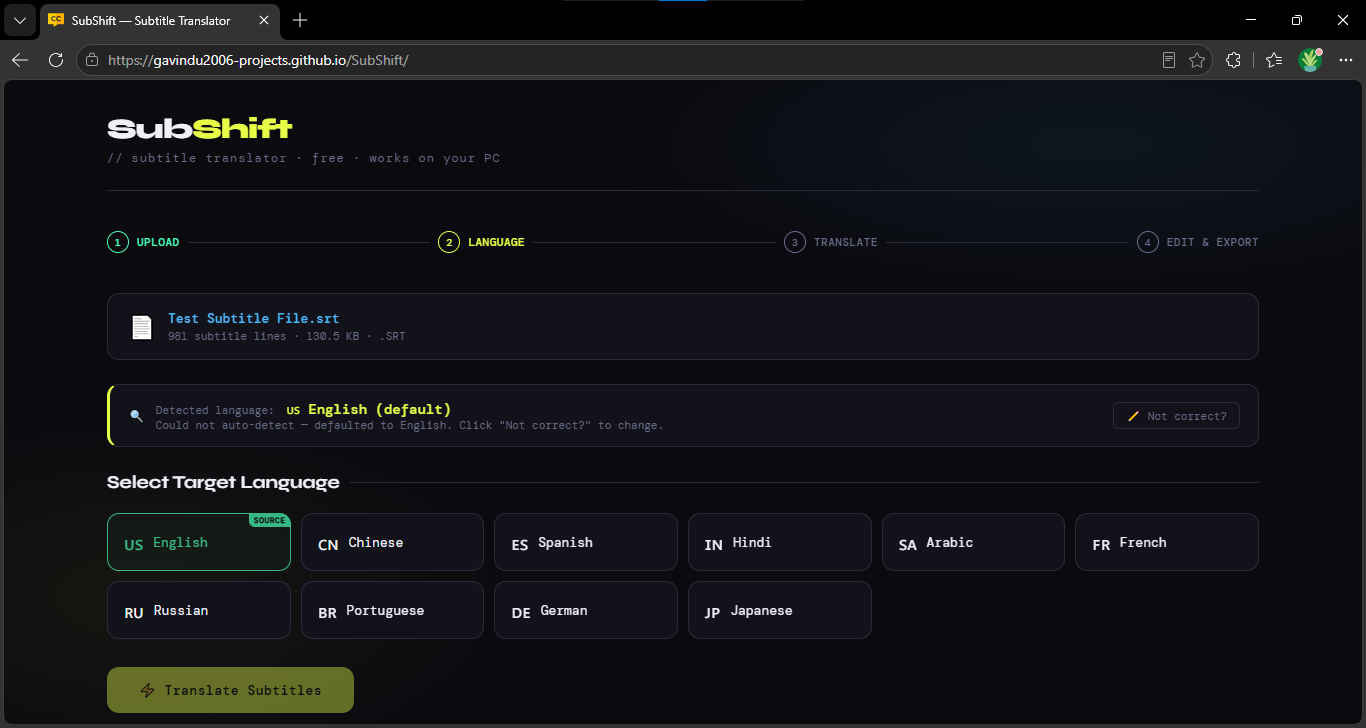
The application supports common subtitle formats such as .srt and .vtt, detects the source language, translates subtitle text through the MyMemory Translation API, and allows users to review and edit the translated subtitles before exporting them. The application is designed to run primarily in the browser, keeping the workflow simple and lightweight.
The Challenge
Subtitle translation can be inconvenient when users have to manually copy subtitle text into a translation service, maintain the original timestamps, and then recreate the subtitle file afterward.
The goal of SubShift was to simplify this process by creating a single web application that can read subtitle files, translate their text while preserving timing information, provide an editing interface, and generate a translated subtitle file ready to use.
The Solution
SubShift combines subtitle parsing, automatic language detection, translation, editing, and file generation into one simple browser-based workflow.
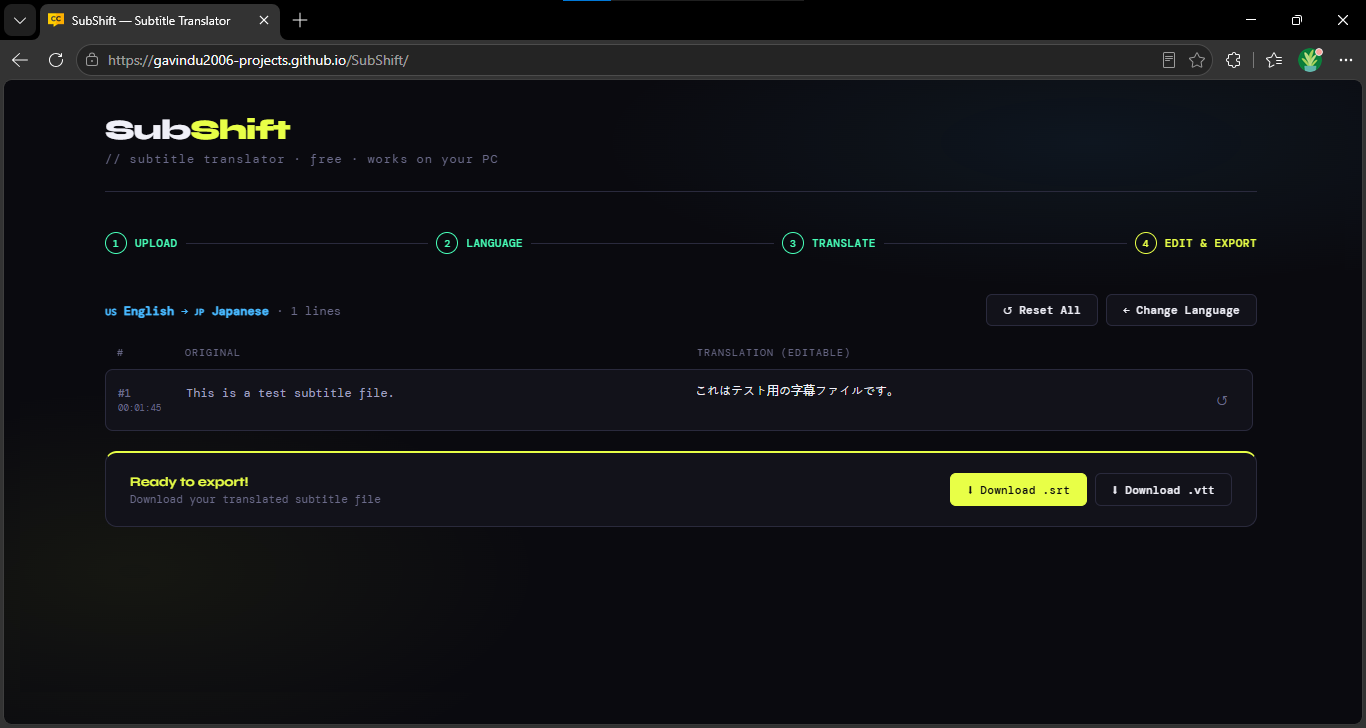
Users can upload an .srt or .vtt file, select the target language, translate the subtitles, make any necessary corrections, and export the finished subtitle file. The client-side approach also keeps the application lightweight without requiring a dedicated backend.
Project Gallery
Key Features
Subtitle File Support
Import and work with .srt and .vtt subtitle files while preserving their original timing and subtitle structure.
Subtitle Translation
Translate subtitle content into a selected target language using the MyMemory Translation API without manually copying individual subtitle lines.
Built-in Editor
Review and edit translated subtitle text directly in the application before exporting the final file, making it easy to correct translation errors or adjust wording.